
Mobile Commons: CRM Data Syncs Login credentials
/ configure page
Environment
- Mobile Commons.
- Data Sync.
Symptoms
- When the client is unable to access the Data Sync log in page/configure page in the UI.
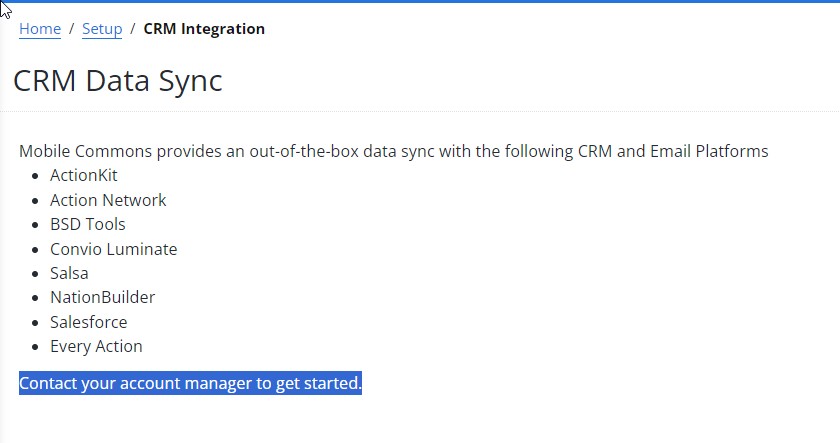 Error (If Applicable)
Resolution Summary
Provided the link for the Data Sync log in page.
Details
If the client is setting up a CRM sync for the 1st time, he will not be able to access the CRM configure page until the integration is active. In order to activate the Sync, you'll need to
- Go to the Data Sync page.
Select the integration type and press create.
You'll be directed to the Sync configure page, share the page URL with the client to add the Sync credentials. Once the client add the details and press Update, they will be able to access the CRM page from their end.
Resolution Category
Task::Other
Keywords sync crm data log in login credentials set up set-up add crm-sync
Upland RightAnswers Solution Manager - Version 2024R2